
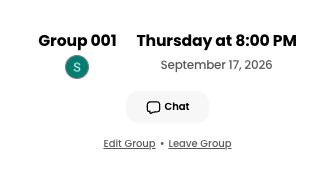
- Click into the desired assignment. Under your group information, click Edit Group.
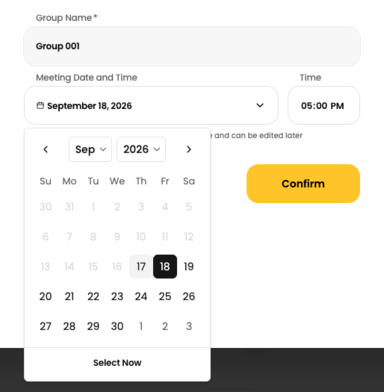
- To change the meeting date, click the Meeting Date and Time field and select a new date from the date picker.
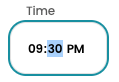
- To change the meeting time, click the Time field and enter a new time.
- Click Confirm to save your changes.