
Step 1: Open your Class
- Click into the desired class and assignment.
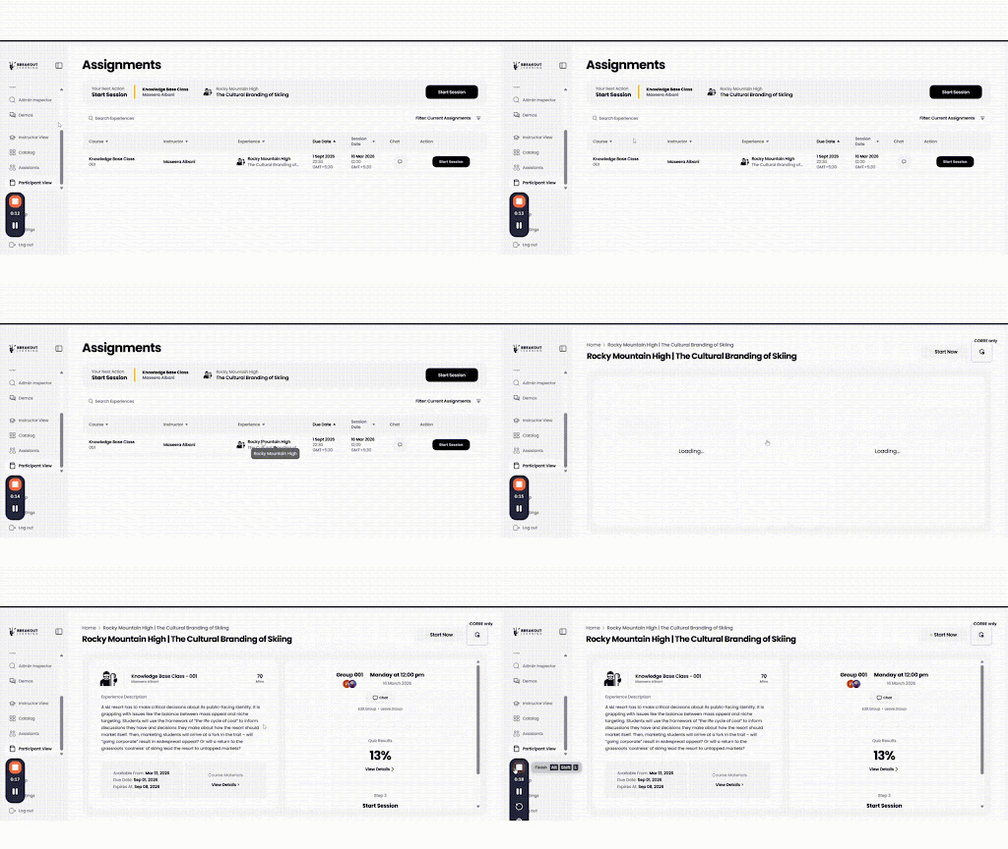
-
Under the Chat Feature and your group information, you will see an option that reads “Leave Group”. Click "Leave Group".
-1.gif?width=512&height=288&name=unnamed%20(1)-1.gif)
- Click "Join group" and Create or Join your Desired Group.
.gif?width=512&height=288&name=unnamed%20(2).gif)