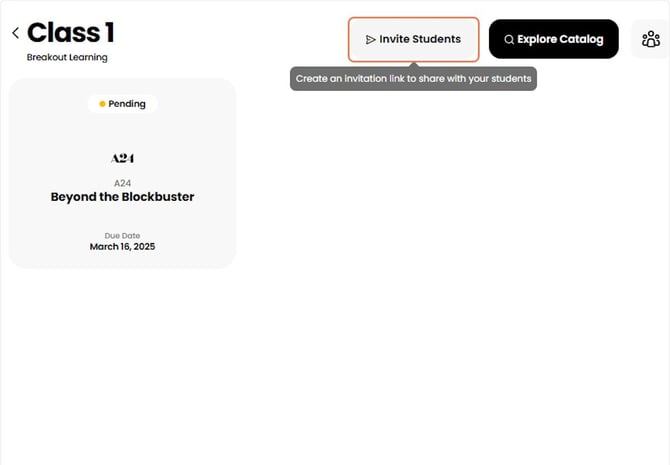
1. Share onboarding resources
Share your class invitation link along with any onboarding resources, either through your LMS or directly with Participants.
Helpful resources include:
- Link the 4 Onboarding Guides here
- Breakout Tutorial Video
See Invite Students to a Class if you need help generating an invitation link.
If your course is integrated with Canvas or D2L Brightspace, Participants do not need an invitation link. Instead, they simply open the Breakout Learning assignment from your LMS to create their account and access the assignment. They can begin with Step 3 below.
2. Participants join the class
After accepting the invitation, Participants will see their assignments on their Assignments page. Once an assignment becomes available, they can join or create a group.
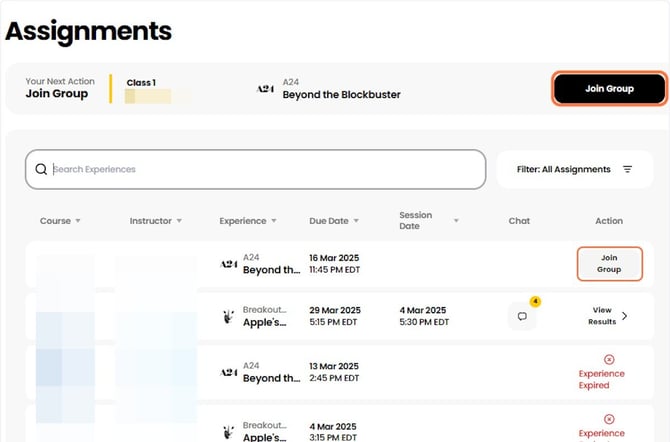
3. Join a group
Participants join or create a group, depending on the assignment's grouping settings.
4. Complete the pre-work
Participants should review the assigned pre-work before their discussion. While they can join the session without completing the pre-work, doing so helps ensure they are prepared for a meaningful discussion.
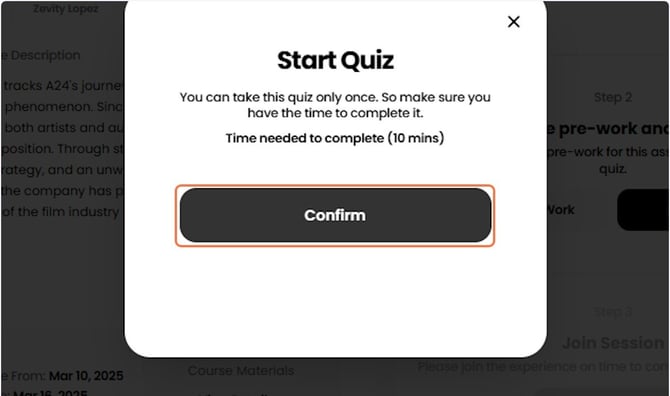
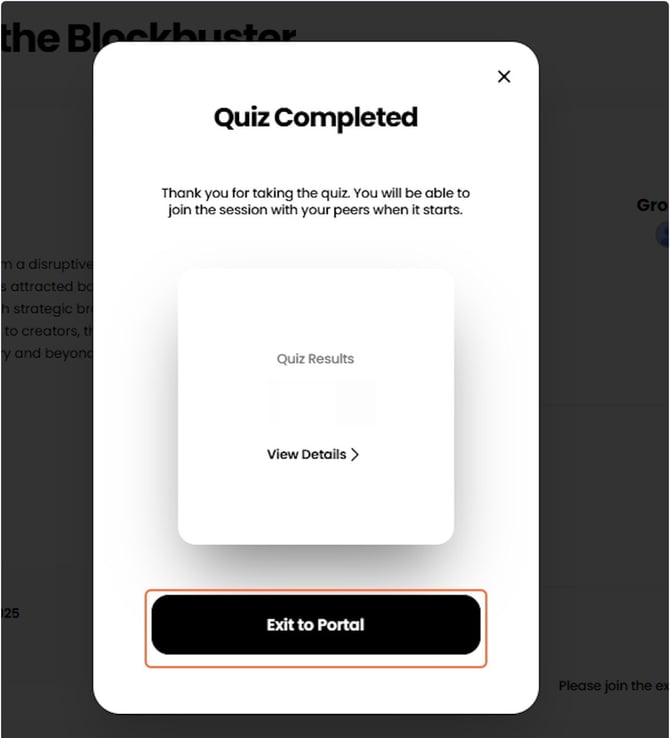
If the experience includes a pre-work quiz, Participants must complete the quiz before they can join their session.
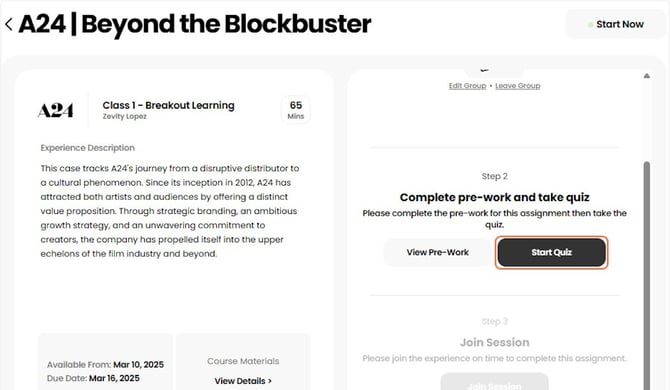
5. Complete the pre-quiz (if required)
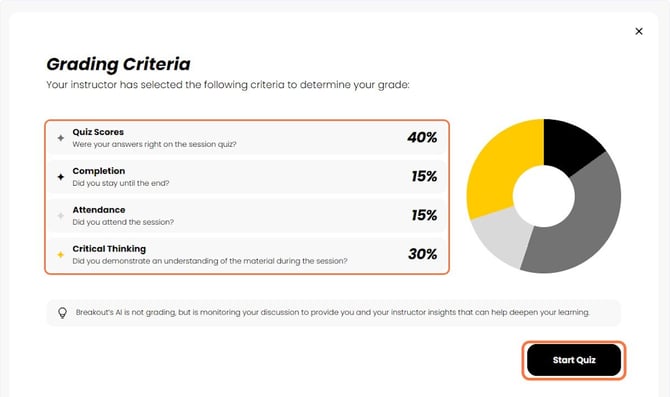
The pre-quiz typically takes about 10 minutes or less to complete. If grading is enabled, Participants will see the grading criteria before beginning the quiz.
6. Start the session
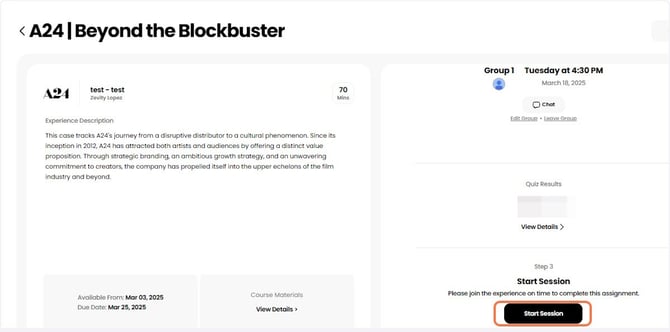
After completing any required quiz, Participants return to the assignment and click Start Session.
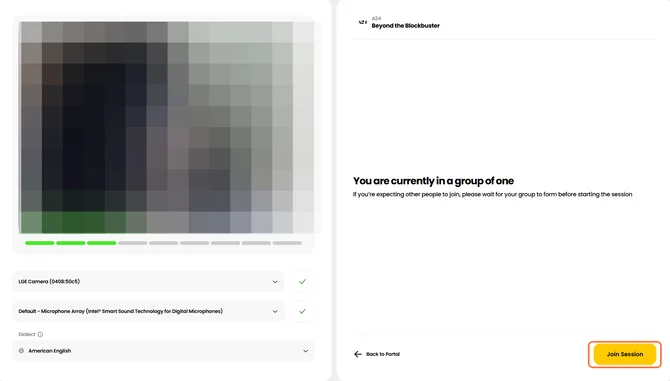
7. Complete the tech check
Before entering the discussion, Participants complete a brief audio and video check. Once everything is working correctly, they click Join Session to begin.