1. Open your completed assignment
- Navigate to your completed Breakout Learning assignment.
.gif?width=1286&height=724&name=Untitled%20design%20(7).gif)
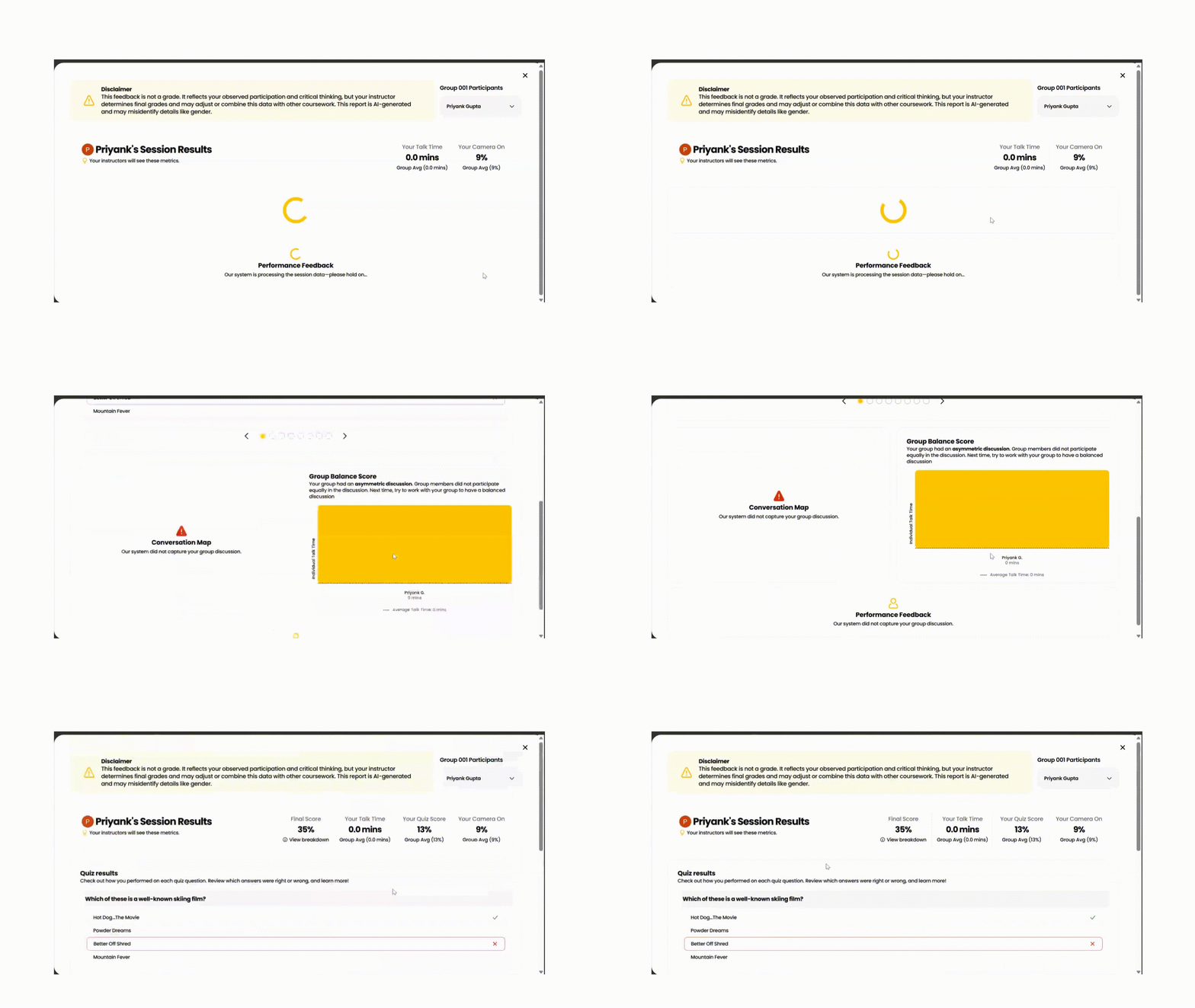
2. View your session summary
- Click View Summary.
- Your post-session results dashboard will open.
3. Review your results
Your session summary includes:
- Quiz results
- Discussion participation and contribution
- Session feedback
- Rubric performance